
Apps can be used for GitHub repos searches
For developers, project managers, and open-source contributors, GitHub has become the backbone of collaboration. But with millions of repositories and constant activity, finding the right project or extracting useful insights quickly can be challenging. That’s why specialized apps and tools have emerged to make searching, analyzing, and managing GitHub repositories easier than ever.
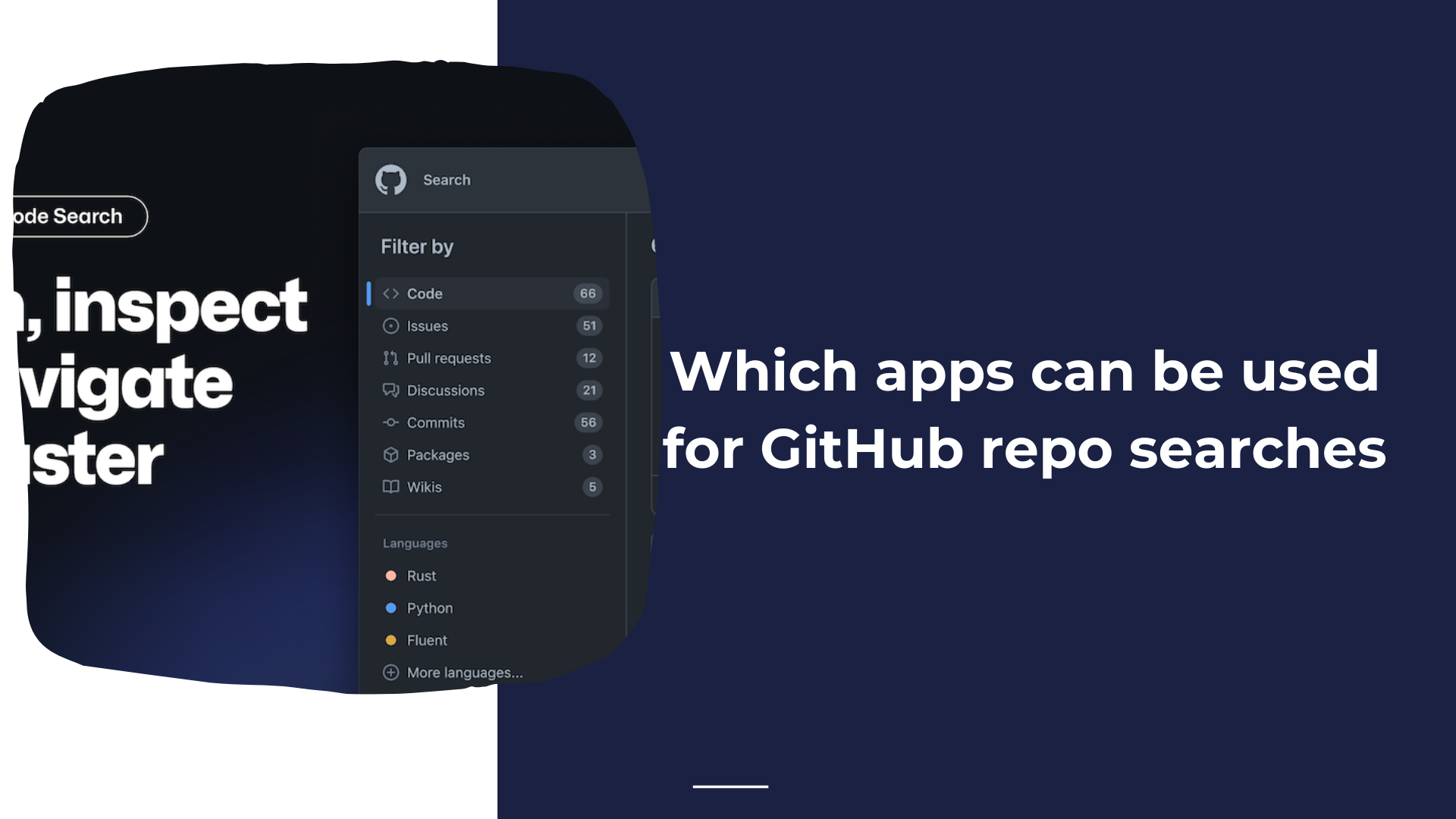
What to Look For in GitHub Repository Tools
Advanced search functions across repos, issues, pull requests, and commits
Contextual insights from repo metadata and activity
Task management integration for turning repo findings into action items
Automation features for saving time on repetitive searches
Collaboration tools for teams working on shared codebases
Lightweight design for speed and usability
Top Apps for GitHub Repo Searches
1. OctoSearch
Strengths:
Fast search across repositories, issues, and pull requests.
Advanced filtering by language, contributor, and activity.
Clean interface designed for power users managing multiple repos.
Best for: Developers and researchers who need to quickly surface information across many projects.
2. RepoInsights
Strengths:
Provides analytics on repository health, activity trends, and contributor performance.
Useful dashboards for tracking stars, forks, and commit frequency.
Helps project maintainers understand engagement and momentum.
Best for: Teams and open-source maintainers looking to measure and showcase project impact.
3. GitPrompter
Overview:
GitPrompter is an intelligent request analyzer designed to make working with GitHub repositories more efficient. Instead of only searching code, it helps users transform repo queries into actionable insights and structured prompts.
Key Features:
Prompt Analysis for Repos: Turn queries about repositories, issues, or tasks into clear, prioritized prompts.
Task Management Integration: Generate to-do style outputs directly from repo searches to streamline development workflows.
Request Analyzer: Automatically interprets repository data and suggests next actions, saving time in manual filtering.
Smart Summaries: Summarize issues, pull requests, and activity into digestible updates for teams.
Collaboration Support: Share analyzed prompts or tasks with teammates for faster coordination.
Why It Stands Out:
Unlike typical search tools, GitPrompter focuses on making searches actionable. It bridges the gap between discovery and execution by generating structured prompts, making it invaluable for developers who want to quickly turn repo data into task lists.
Best for: Developers, product managers, and contributors who need not only to search GitHub but also to convert results into organized next steps.
4. CodeScene
Strengths:
Provides deep code analysis with insights into complexity, hotspots, and team ownership.
Predictive analytics for identifying areas of technical debt.
Integrates well with GitHub repos to offer health checks.
Best for: Engineering managers and senior developers who want a deeper look into code quality and project sustainability.
5. Sourcegraph
Strengths:
Universal code search across repositories and organizations.
Powerful query language for searching code patterns at scale.
Useful for onboarding, debugging, and analyzing large codebases.